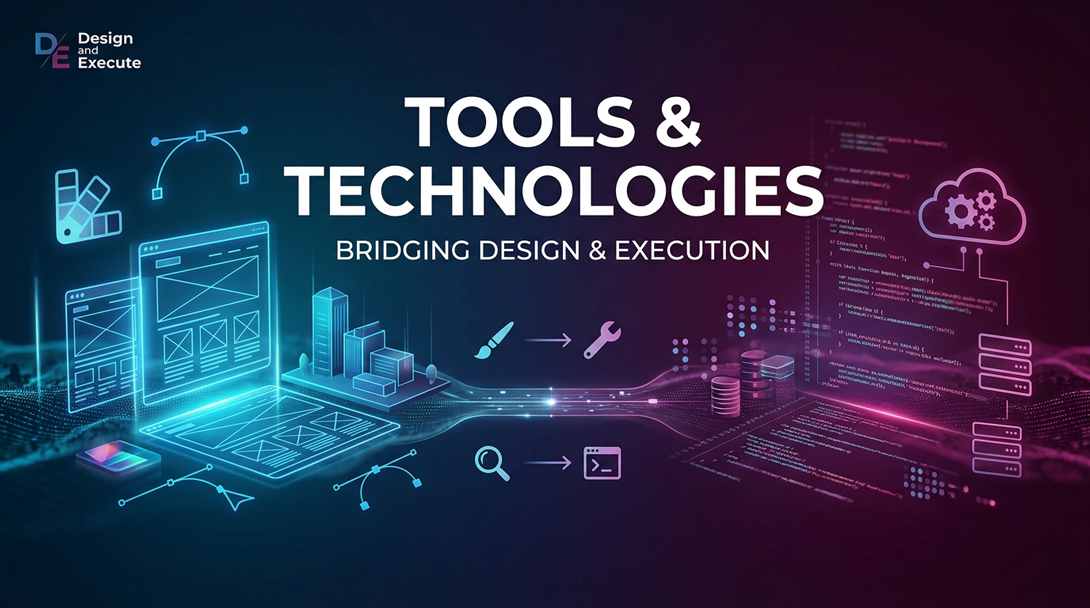
Modern data work is not about mastering one tool.
It is about understanding how different tools solve different problems—and how they fit together into a larger system.
A data professional may move from Excel to Tableau, from Python to SQL, from JSON to XML, and from an API to an enterprise integration bus—all in the same project.
The tools change.
The underlying principles do not.
The real skill is knowing which tool to use, when to use it, and how to connect it to everything else.
Visualization: Turning Data Into Understanding
Data is not valuable simply because it exists. People need to understand it before they can act on it.
That makes visualization one of the most important layers of the modern data ecosystem.
Tools such as Excel, PowerView, Tableau, and D3 provide different approaches to communicating information.
Excel is extraordinarily useful because it is accessible, flexible, and familiar. It allows analysts to explore data quickly and build calculations without requiring a large technology stack.
Tableau provides a more sophisticated environment for interactive analytical dashboards and visual exploration.
PowerView introduced another way of bringing interactive visualization into Microsoft’s data ecosystem.
D3 takes a different approach. Rather than providing a collection of predefined dashboards, it gives developers the ability to create highly customized visualizations directly in the browser.
But the technology is secondary to the question:
What are you trying to help someone see?
A beautiful chart with no meaningful insight is still a bad visualization.
The best visualization tools help transform:
Data → Pattern → Understanding → Action
Programming Concepts: Tools Behind the Tools
Modern data platforms are built on programming concepts that allow software to become more flexible, reusable, and adaptable.
Some concepts are particularly important for data professionals.
Lambda Functions
Lambda expressions allow developers to define small pieces of behavior without creating an entire named function.
They are particularly useful when applying transformations to collections of data.
Instead of writing a large amount of code to describe every operation, you can express the transformation closer to the data operation itself.
The broader idea is important:
Move from describing every step to describing what you want done.
This concept appears throughout modern data processing frameworks, transitioning from imperative code to declarative coding styles.
Internal Iteration
Traditional imperative programming often requires the developer to explicitly control iteration:
Get the next record.
Process it.
Get the next record.
Process it again.
Internal iteration reverses the relationship.
You provide the operation, and the framework manages the iteration. This is the declarative style.
This is one reason higher-level data APIs can be so powerful.
You concentrate on the transformation while the underlying framework determines how the operation should be executed.
This becomes especially important when working with distributed data.
Annotations and Reflection
Annotations allow developers to attach metadata to code.
Reflection allows a program to inspect information about itself at runtime.
These ideas may seem distant from data architecture, but they underpin many modern frameworks.
They allow frameworks to discover:
- What a class represents
- What fields exist
- What operations are available
- How objects should be mapped
- How data should be serialized
- How components should interact
The deeper lesson is that metadata can make software more dynamic.
And that same principle appears throughout modern data architecture.
The Data Layer: Connecting Applications to Information
Applications rarely operate directly on raw database tables.
They communicate through layers. Data models stacked upon each other by each layer of the architecture.
Consider a modern web application.
A browser might make an $http request to an API. The API returns JSON. A promise handles the asynchronous response. The application then transforms the response into something that can be displayed to the user.
The basic flow looks like:
Application → HTTP → API → Data → JSON → Application → Visualization
Technologies such as HTTP, promises, JSON, XML, XSLT, and XPath are pieces of this larger ecosystem.
JSON
JSON has become one of the dominant formats for exchanging data between applications because is open to all programming languages making the data models interoperable.
Its structure maps naturally to objects and collections, making it particularly convenient for modern APIs.
XML
XML played, and continues to play, a major role in enterprise integration.
Its strengths include structured documents, namespaces, schemas, and a mature ecosystem for transforming and validating information. Its major drawback is its verbosity.
XPath and XSLT
XPath provides a language for navigating structured XML documents.
XSLT provides a mechanism for transforming XML into another representation.
These technologies demonstrate an important architectural principle:
Data should be separated from the presentation and processing of that data.
Once you separate the information from how it is represented, you gain much greater flexibility.
Integration: The Data Does Not Live in One Place
One of the biggest challenges in enterprise architecture is that the data is almost never in a single system.
You may have:
- An ERP system
- A CRM system
- A data warehouse
- A cloud data lake
- SaaS applications
- Legacy databases
- Streaming platforms
- File repositories
- External partners
The challenge becomes:
How do we get these systems to communicate?
This is where integration architecture becomes essential.
Enterprise Buses and Middleware
Enterprise buses and middleware provide mechanisms for connecting applications without requiring every application to know how every other application works.
Instead of creating dozens of point-to-point connections, organizations can introduce an intermediary layer.
Conceptually:
Application A → Integration Layer → Application B
The integration layer can handle routing, transformation, protocol differences, security, and other concerns.
This reduces direct dependencies between systems.
But integration architecture must be designed carefully.
Every additional connection introduces complexity.
Every transformation introduces another opportunity for data to become inconsistent.
Every intermediary can introduce latency and another potential failure point.
The goal should therefore not be to move data everywhere.
The goal is to move the right data to the right place at the right time.
Four Fundamental Integration Patterns
Many enterprise integrations can be understood through a small number of recurring patterns.
1. File Transfer
One system creates a file.
Another system consumes it.
It may be as simple as:
System A → CSV/XML/JSON → System B
This approach remains surprisingly common because it is simple and works well for batch-oriented processes.
2. RPC — Remote Procedure Call
RPC treats a remote system almost like a function that can be called.
The caller requests an operation and expects a response.
Conceptually:
Request → Remote Service → Response
This can work well when an application needs a specific operation from another system.
The downside is that the systems can become tightly coupled.
3. Messaging
Messaging introduces an intermediary between producers and consumers.
Instead of calling another application directly, the producer sends a message.
Producer → Message Broker → Consumer
This enables asynchronous processing and can improve scalability and resilience.
It also allows multiple consumers to react to the same event.
4. Database Sharing
Multiple applications directly access the same database.
This is often easy to implement initially.
It is also one of the most dangerous integration patterns as systems grow.
Why?
Because the database becomes the integration contract.
Changes to one application’s schema can affect another application.
Ownership becomes unclear.
Deployments become coupled.
Performance problems in one application can affect another.
The database stops being an implementation detail and becomes a shared dependency.
Integration Is Really About Coupling
This is the deeper lesson behind integration architecture.
Every integration creates a relationship between systems.
The question is not:
“Can these systems communicate?”
Almost anything can be made to communicate.
The better question is:
“How tightly should these systems be coupled?”
Sometimes tight coupling is acceptable.
Sometimes asynchronous messaging is better.
Sometimes a file is exactly what you need.
Sometimes an API is the right answer.
Sometimes the best integration is not to integrate at all.
Good architecture recognizes these differences.
The Toolbox Is Bigger Than the Tools
A modern data professional needs to understand technologies across several layers:
| Layer | Examples | Primary Purpose |
|---|---|---|
| Visualization | Excel, PowerView, Tableau, D3 | Communicate insights |
| Programming | Lambda, iteration, annotations, reflection | Transform and control behavior |
| Data exchange | JSON, XML | Represent and transfer information |
| Web/data layer | HTTP, promises, XPath, XSLT | Connect applications and data |
| Integration | File transfer, RPC, messaging, middleware | Connect systems |
| Data platforms | Databases, warehouses, lakes, streams | Store and process information |
But knowing the names of these technologies is not enough.
The real expertise comes from understanding the relationships between them.
A dashboard depends on data.
The data depends on pipelines.
The pipelines depend on integration.
The integration depends on protocols and formats.
The formats depend on data structures.
And ultimately, all of it exists to support a business outcome.
From Tools to Architecture
This is why modern data expertise is not the same thing as being a tool expert.
Tools come and go.
Technologies are replaced.
Frameworks evolve.
Programming languages change.
But the fundamental architectural questions remain:
Where does the data come from?
What does it mean?
How does it move?
How should it be transformed?
Who needs it?
When do they need it?
How should they interact with it?
How do we keep the systems loosely coupled?
How do we turn the resulting information into action?
The modern data professional therefore needs more than a collection of technologies.
They need a mental model for choosing and connecting technologies.
The ultimate objective is not to build the most sophisticated technology stack.
It is to create a system in which data can move efficiently, meaning can be preserved, complexity can be controlled, and people can turn information into decisions.
The tools are simply the instruments.
Architecture is knowing how to play them together.